Case study
● Live on Google PlayJARVIS AI Doomsday
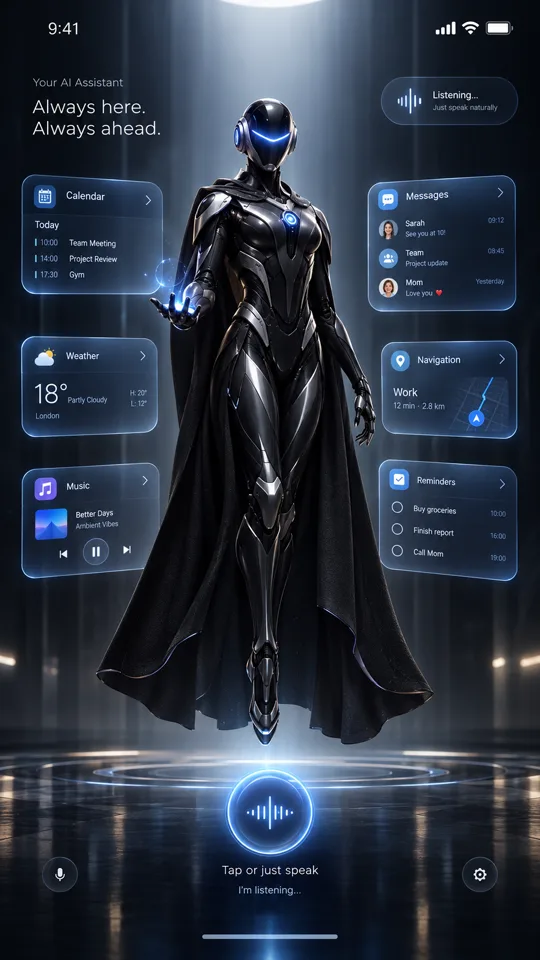
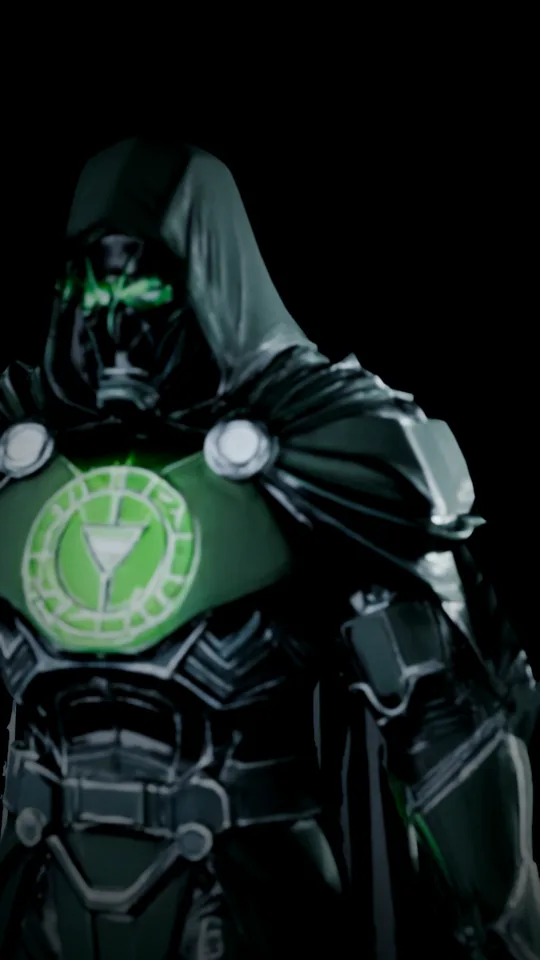
A voice assistant with a face. A real-time 3D character stands on screen and animates while you talk — answering through the AI provider you choose, seeing through the camera on-device, and remembering only what you ask it to.
Client
iToolApk Ltd · in-house product
Platform
Android
Category
Productivity
Last update
Oct 2026
Status
Live on Google Play
Overview
Native Android voice assistant fronted by a real-time 3D character. Seven AI providers, on-device vision and memory, with no ads and no tracking.
The problem
Voice assistants feel like a search box that talks. They are faceless, tied to one company’s AI, and quietly collect far more than they need.
The approach
Give the assistant a presence. JARVIS AI Doomsday puts a cinematic, fully rendered 3D character at the centre of the screen and lets it act as the interface — listening, thinking and answering in character. Behind it sits a provider-agnostic AI layer, so users bring the model they trust and pay only for what they use. Privacy is a feature, not a footnote: speech, vision and memory run on the phone wherever possible, and anything that leaves it needs the user’s say-so.
What I built
- A native Kotlin + Jetpack Compose app with a Filament render stage for the animated glTF character
- Wake word, clap and shake triggers, on-device speech recognition and spoken replies
- A pluggable provider layer for seven AI services, with keys sealed by the Android hardware keystore
- On-device vision with CameraX and ML Kit object detection, labelling and text recognition
- Explicit-only memory with a relationship graph, reminders, a diary, message drafting and confirmed calls
- Guardian safety tools: an emergency contact, location sharing, quiet hours and an outbound-activity log
- A Ktor companion backend for streaming chat, live data and natural text-to-speech
Key features
What it does
01
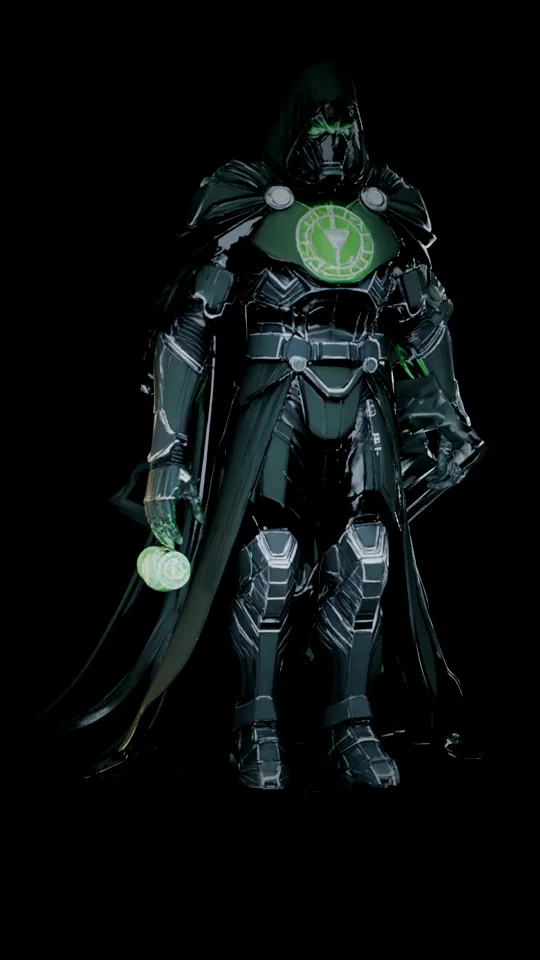
A character, not a waveform
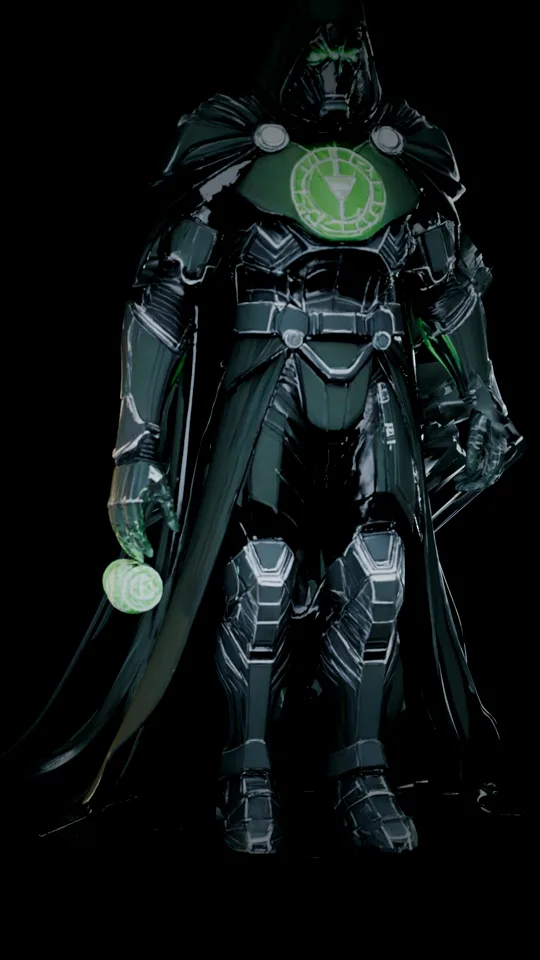
The assistant has a body. A rigged 3D figure is rendered with Google's Filament engine at the phone's native resolution and refresh rate, with greet, idle and thinking animations that react to the conversation.
02
Talk to it, hands-free
Tap the orb, say “Hey Jarvis”, clap twice or shake the phone. On-device speech recognition turns speech into text without it leaving the phone, and every answer is spoken back.
03
It can see
Vision mode uses on-device ML Kit models to detect objects, name them and read text with no connection at all. For harder questions it can send a single still frame to your provider — and asks first, every time.
04
Your provider, your key, your data
NVIDIA, Groq, OpenRouter, OpenAI, Anthropic, Gemini or your own Ollama / LM Studio server. Keys are encrypted with the phone's hardware keystore; there are no ads, no analytics and no tracking.
Gallery
Screens
Drag or scroll · click to enlarge
Technology
How it's built
How iToolApk delivers
The process
- 01
Discover
Understand the users, the market and the problem worth solving.
- 02
Design
Flows, wireframes and a polished UI system, tested early.
- 03
Build
Native Android and web engineering with clean, scalable APIs.
- 04
Test
Real-device QA, performance tuning and privacy review.
- 05
Launch & grow
Store listing, ASO and SEO, then iterate on real feedback.
Built by iToolApk
Planning a product like JARVIS AI Doomsday? Let's build it together.
iToolApk is the AI and software development studio I founded in 2023. We design and ship mobile apps, web platforms and AI automation for businesses, and publish our own apps on Google Play.
Next project
TaskFlow AI →
Tasks, notes and planning with an AI copilot